Beyond rails db:migrate: Schema Changes on Busy MySQL Tables
When you start a Rails project, migrations are the easy part. You write one, run rails db:migrate, done. That keeps working for a long time.
It stops working when two things grow: the size of the table, and the rate of writes on it. These are different problems and they need different fixes. Below are the four levels we ended up with, on MySQL, from plain db:migrate up to migrating a whole database. Each one is a separate option, not a sequence. You pick the lowest level that works for the table in front of you.
What actually goes wrong
We learned this one the hard way. A migration that had run fine on staging locked up a production table and took the site down with it. Here is what was actually happening.
Take a normal looking migration:
add_index :users, :emailOn MySQL 5.6+ with InnoDB this is an online operation. Reads and writes continue while the index is built. So it is not the index build itself that takes the site down.
What takes the site down is the metadata lock (MDL). Every DDL needs a short exclusive metadata lock on the table at the start and at the end. If any transaction is holding the table open at that moment, even a slow SELECT, the DDL waits for it. And while the DDL is waiting, every new query on that table queues up behind it. Ten seconds of that on a users table under traffic and you have an incident.
So “the migration locked the table” is usually “the migration waited for a lock and everything else waited for the migration.”
The second thing that goes wrong is plain I/O. Rebuilding a 10 million row table, even online, is a lot of disk and buffer pool work on the same box that is serving requests.
Keep these two in mind, because each level below is dealing with one or both of them.
Level 0: rails db:migrate
Small table, low traffic. Just run it. Most tables in most apps stay here forever.
Level 1: run the DDL yourself, keep the migration idempotent
The first thing we did for busier tables was stop letting Rails run the heavy statements. We ran the ALTER on the database directly, with explicit algorithm and lock mode, so MySQL tells us up front if it cannot do it online:
SET SESSION lock_wait_timeout = 5;

ALTER TABLE users
  ADD INDEX index_users_on_email (email),
  ALGORITHM=INPLACE, LOCK=NONE;
Two things are happening here:
ALGORITHM=INPLACE, LOCK=NONEmakes MySQL refuse the ALTER if it cannot do it without locking, instead of silently locking.lock_wait_timeout = 5makes the ALTER give up after 5 seconds if it cannot get the metadata lock. Then you retry in a minute, instead of the whole app queueing behind it. This is the direct fix for the MDL problem above.
Before running it, check for long transactions on the table, since those are what block the metadata lock:
SELECT trx_id, trx_started, trx_mysql_thread_id, trx_query
FROM information_schema.innodb_trx
WHERE TIME_TO_SEC(TIMEDIFF(NOW(), trx_started)) > 30;
If something is there, wait for it or kill it, then run the ALTER.
The Rails migration still exists, so that dev, staging and CI stay in sync, but it is guarded so it does nothing on production where the change was already applied by hand:
class AddIndexToUsersEmail < ActiveRecord::Migration[6.0]
  def up
    return if index_exists?(:users, :email)
    add_index :users, :email
  end

  def down
    remove_index :users, :email if index_exists?(:users, :email)
  end
end
This covers most cases. It stops being enough when the table is big enough that even an online rebuild hurts the box.
Level 2: online schema change tools
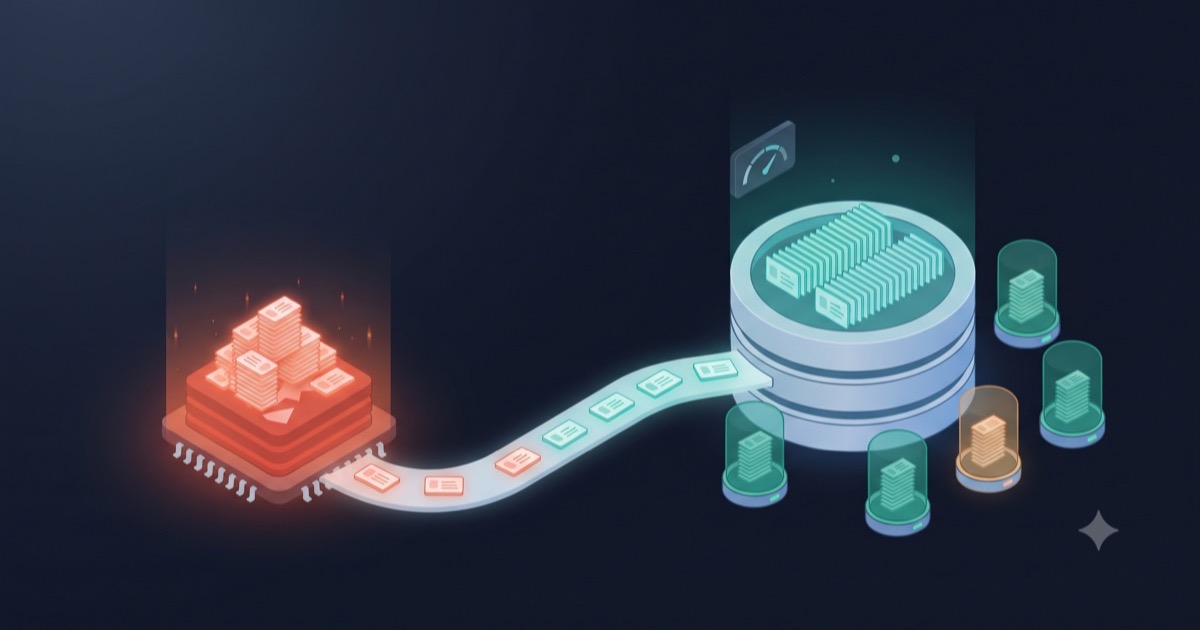
For big tables the standard answer is to not touch the live table at all. Create a copy with the new schema, fill it up in small chunks, keep it in sync with ongoing writes, then swap names. The swap is a RENAME TABLE, which is instant.
Original table
     │ copy in chunks
     ▼
  New table (new schema)
     ▲ keep in sync
     │
Writes to original
     │
     ▼
RENAME original → _old, new → original
The interesting part is how the copy is kept in sync while writes continue. Two tools, two approaches:
pt-online-schema-change (Percona) puts triggers on the original table. Every insert, update and delete on the original is also applied to the copy by the trigger.
pt-online-schema-change \
  --alter "ADD INDEX index_users_on_email (email)" \
  --chunk-size=1000 \
  --max-lag=1 \
  --execute \
  D=app_production,t=users
--chunk-size controls how many rows are copied per batch, --max-lag pauses the copy if replicas fall behind by more than 1 second.
gh-ost (GitHub) does not use triggers. It reads the binary log and replays the changes onto the copy. It was built because triggers have a cost on busy tables, which is exactly the next problem.
Either way the Rails migration stays guarded like in level 1.
Level 3: the table is small but never idle
This is where it got interesting for us.
Our inventory and pricing tables were only 1 to 2 GB. By size they were nothing. But they took thousands of updates per second, all day, because room availability and prices changed constantly.
Two things go wrong at this level:
- With pt-osc, every single write now fires a trigger that does a second write. On a hot table that is a lot of extra load exactly where you cannot afford it. And installing the triggers itself needs a metadata lock, same problem as before.
- The table is never quiet, so there is always some transaction open on it. The metadata lock at the end of any DDL, including the final
RENAME, has a good chance of queueing everything behind it.
gh-ost solves the first problem and reduces the second. We didn’t use it at the time, and we already had a replica sitting there, so we used that instead. That’s level 4.
Level 4: migrate the replica, then switch
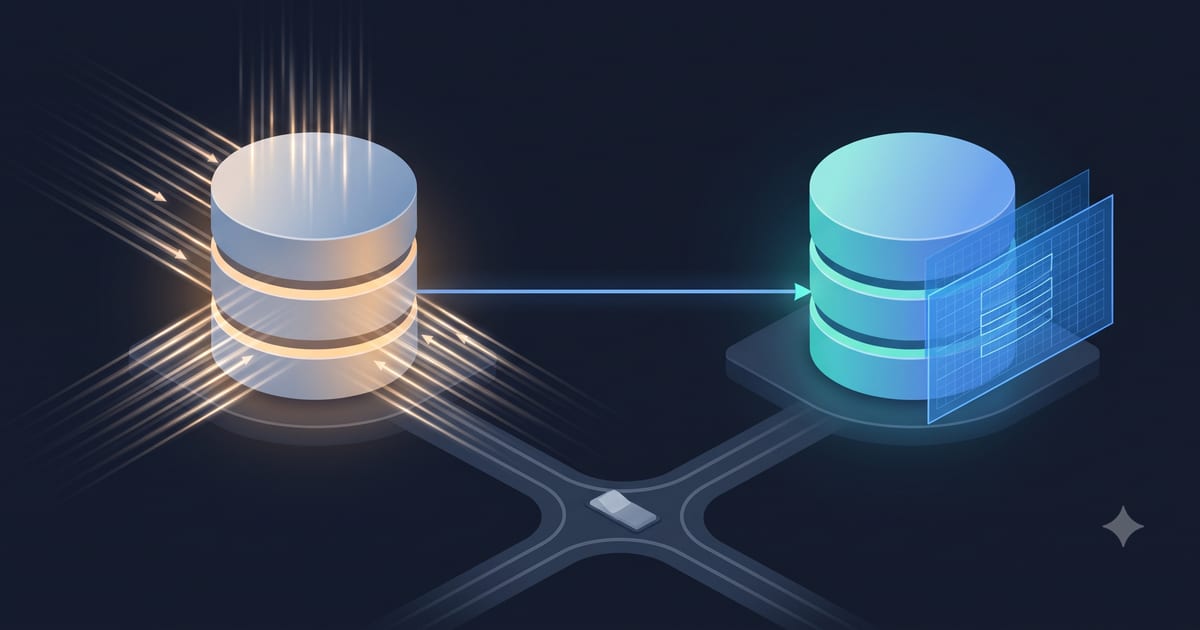
For these tables we moved the migration off the production database entirely.
Production DB ──replication──▶ Replica
                                  │
                                  │ run DDL here
                                  ▼
                            Replica (new schema), still replicating
                                  │
                        stop writes, wait for lag = 0
                                  │
                                  ▼
                        App endpoint → Replica (now primary)
Which changes this works for
Replication keeps running while the two schemas are different, so this only works for changes row-based replication can tolerate. Adding an index, adding a column at the end, widening a column type, all fine. Dropping a column the primary still writes, or changing column order, will break replication. Check this before you start.
Steps
- Make sure the replica is caught up and replication is healthy.
- Run the
ALTERon the replica. Production does not notice. Replication keeps applying inserts and updates to the replica using the new schema. - Wait for the replica to catch up again after the ALTER.
- Cutover. Stop the writers (for us, pause the pricing and inventory workers and put the app in maintenance), wait for lag to hit zero, then point the app at the replica and start the writers.
- Make the old primary a replica of the new one, so you have a replica again.
-- on the replica, before and after the ALTER
SHOW SLAVE STATUS\G
-- Slave_SQL_Running: Yes
-- Seconds_Behind_Master: 0
For step 4, “point the app at the replica” meant changing a DNS CNAME that database.yml uses as the host. That keeps the config unchanged and makes the switch one record update. Which leads to the gotcha.
The cutover was under a minute. The expensive part, the schema change itself, happened on a box nobody was querying.
Gotcha: changing the DNS does not move the connections
This is the one that will mess up your data if you forget it.
The app connects by hostname, but once a connection is open it is a TCP socket to an IP. Changing the DNS record does nothing to existing connections. Puma workers, Sidekiq processes, cron jobs, anything that already had a connection open keeps writing to the old database. Only new processes and reconnects go to the new one. Now two databases are both taking writes, and there is no clean way to merge them afterwards.
So after the DNS switch, every old connection must be broken. Any of these works:
Restart the application processes:
systemctl restart puma sidekiqOr kill the connections from the database side:
-- on the OLD database
SELECT CONCAT('KILL ', id, ';')
FROM information_schema.processlist
WHERE user = 'app_user';
-- run the output
Or restart the old MySQL, which drops everything at once.
And before any of that, make the old database read-only, so a connection you missed gets an error instead of silently writing:
-- on the OLD database, right after the switch
SET GLOBAL read_only = 1;
SET GLOBAL super_read_only = 1;
The order matters: read-only first, then kill connections, then SHOW PROCESSLIST on the old box to confirm nothing from the app is left. Only then are you done. We added this as a checklist to the runbook after we found processes still writing to the old database well after the switch.
If you switch by editing the hostname in database.yml instead of DNS, you have to restart the app anyway, so the connection problem solves itself. The read-only step is still worth doing.
Picking the level
| Table | Level |
|---|---|
| Small, low traffic | 0: rails db:migrate |
| Medium, moderate traffic | 1: hand-run ALTER ... ALGORITHM=INPLACE, LOCK=NONE, guarded migration |
| Large, moderate traffic | 2: pt-online-schema-change or gh-ost |
| Any size, writes never stop | 4: DDL on replica, then endpoint switch (or gh-ost) |
The thing that took us a while to internalise: size is not the main variable. A 10 GB table that gets written to once a minute is an easy migration. A 1 GB table taking a thousand updates a second is a hard one. Decide by write rate first, size second.
Things we’d add today
- The
strong_migrationsgem catches most unsafe migrations atdb:migratetime, before they reach production. Add it on day one. - MySQL 8 has
ALGORITHM=INSTANTfor adding columns, which removes the need for all of this in that specific case. - gh-ost for level 3 instead of a full database switch, if you don’t already have a replica you can afford to promote.
Summary
- The outage usually comes from the metadata lock wait, not from the index build.
lock_wait_timeoutis your friend. - Level 1: run heavy DDL by hand with
ALGORITHMandLOCKset, keep the Rails migration guarded withindex_exists?/column_exists?. - Level 2: big tables, use pt-osc (triggers) or gh-ost (binlog).
- Level 3 and 4: hot tables, triggers hurt. Run the DDL on a replica and switch, or use gh-ost.
- After a DNS switch, set the old DB read-only and kill every old connection. DNS does not move open sockets.
- Choose by write rate, not table size.